Motion Graphics for Beginners
We start with a clear aim: help us understand motion graphics, learn core design principles, and choose a practical way to get started. This short guide sets expectations and keeps projects small so we avoid overwhelm.
We don’t need complex illustration skills on day one. Simple text, shapes, and clean transitions let us communicate and emphasize ideas. Treat movement as a tool to guide attention, label content, and explain concepts.
Our path moves from definitions to real use cases, then into principles and a starter project. We’ll outline workflows and tools that scale as our skills grow. Good motion is measurable by clarity, timing, hierarchy, and purposeful transitions.
We will focus on clear, repeatable steps to produce useful work quickly.
What motion graphics are and why they matter now</h2>
This section shows how adding controlled movement to visuals improves clarity and focus. We define the idea simply so you can spot useful effects and avoid unnecessary flair.
Our simple definition
We call motion design the practice of adding movement to graphic design elements. The outputs — motion graphics — are the short clips, loaders, and title sequences that people see every day.
What makes a design “move”
Movement can be tiny, like a hover change, or large, like a full animated opener. Micro changes help users track state. Longer sequences explain a complex concept in steps.
Why this helps communication
Well-timed motion directs attention and reduces scanning. It turns dense information into clear frames so viewers understand faster.
| Type | Example | Impact |
|---|---|---|
| Micro-interaction | Button state, loader | Clarifies change, improves usability |
| Short loop | Social clip, logo pulse | Boosts recognition, holds attention |
| Full sequence | Explainer, title sequence | Breaks down complex information |
Motion design vs motion graphics vs animation</h2>
Before we start, let’s define a few terms that often get mixed together. Clear labels help us scope work, estimate time, and choose tools.
Why the terms are often used as synonyms
Many teams shorten “motion graphic design” to motion design. That makes motion graphics and motion design feel interchangeable.
We treat motion design as the process and motion graphics as the produced assets — titles, lower thirds, and transitions. This keeps conversations practical when we work with clients or other designers.
How this differs from character-driven animation
Character animation emphasizes acting, story beats, and emotional arcs. It needs rigs, timing for performance, and narrative structure.
By contrast, motion design focuses on composition, hierarchy, and clean visual systems. Use motion graphics to explain product flows or highlight key points quickly.
- motion design = process and system thinking
- motion graphics = finished assets (loops, titles, UI pieces)
- animation = narrative, characters, and performance
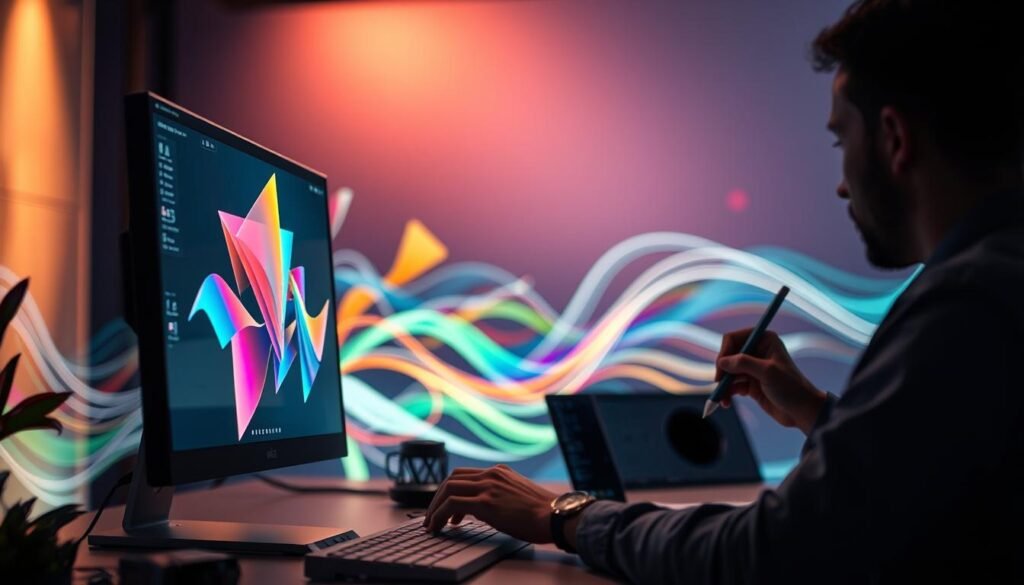
- Start with typography and shapes to build fast skill and clear portfolio pieces
| Type | Focus | Best use |
|---|---|---|
| motion design | Process, hierarchy, composition | Explainers, UI motion, brand clips |
| motion graphics | Assets and deliverables | Titles, lower thirds, transitions |
| animation | Characters and story | Short films, narrative spots |
Where motion graphics are used in the real world</h2>
Animated assets show up across media—here’s where we find them and why they matter. We map common use cases so beginners can link skills to jobs and real outcomes.
Film and TV
Title sequences, lower thirds, bumpers, and broadcast packages set tone and pace. Classic examples include Saul Bass’s work and Kyle Cooper’s Seven.
Explainer videos
We use explainer clips to simplify complex products. Clean typography and clear timing help viewers grasp steps fast.
Marketing and social
Campaign promos and social media posts rely on short video loops, GIFs, and stickers to boost brand recognition.
Web, apps, and retail screens
Loaders, icon states, and UI feedback improve usability. In stores, animated menus and wayfinding replace static signs.
| Platform | Common asset | Key constraint |
|---|---|---|
| Broadcast | Openers, lower thirds | Legible at distance, timed to audio |
| Social media | Looping clips, GIFs | Silent autoplay, tight duration |
| Web & apps | Loaders, micro-interactions | Fast, low file size |
Core principles we use to create motion that feels “right”</h2>
A small toolkit of principles helps us shape timing, depth, and hierarchy. We use these rules so movement supports clarity and not distraction.
Easing
Easing controls how objects speed up and slow down. Gentle curves make movement feel natural, while sharp easing reads as snappy or mechanical.
Offset and delay
Staggered starts build rhythm and hierarchy. A delayed entrance tells viewers what to read first without extra labels.
Parenting
Linking objects simplifies complex scenes. Moving a parent moves children, so we rig icons and groups with fewer keyframes.
Transformation and value change
Morphs and value shifts show state change clearly. Progress bars, shape tweens, and opacity shifts avoid confusion during transitions.
Masking, overlay, and obscuration
Hiding and revealing elements creates depth and focus. Overlays guide attention and layer content in a readable way.
Cloning, parallax, and anticipation
Clone repeated elements to keep rhythm consistent. Use parallax and dolly/zoom to add dimensionality. Add small wind-ups to signal intent before a key action.
| Principle | Typical use | Primary effect |
|---|---|---|
| Easing | UI transitions, title moves | Natural acceleration, readable timing |
| Offset & Delay | List entrances, layered reveals | Hierarchy and pacing |
| Parenting & Cloning | Icon rigs, repeated patterns | Simplifies control, consistent rhythm |
Motion Graphics for Beginners: types of projects to start with</h2>
We present a concise menu of starter projects that help us gain skill fast. Each project type teaches a core technique we can reuse across briefs.
Kinetic typography and animated text effects
Animated text is a fast win. We can craft promos, teasers, and titles with minimal illustration.
Animated infographics
Bring charts and timelines to life. These projects sharpen timing and data storytelling.
UI/UX motion design
Micro-interactions and feedback reduce cognitive load. Small transitions make interfaces feel reliable.
Brand and logo animation
Short logo moves create identity moments. Repeatable riffs increase recognition across ads and sites.
Landing page motion graphics
Hero loops, loaders, and scroll-triggered scenes guide users to CTAs without distracting them.
Marketing motion design and explainer projects
Build ad variants, social cutdowns, and short explainers. Scene-by-scene clarity pairs well with narration or on-screen text.
- Pick 1–2 project types and make 3–5 variations to show growth.
- Start with text-led pieces, then add data and UI work.
- Use short tutorials to speed skill acquisition and reuse templates.
| Project type | Focus | Quick benefit |
|---|---|---|
| Kinetic typography | Timing, composition | Fast portfolio wins |
| Animated infographics | Data clarity | Explains trends quickly |
| UI/UX motion design | Micro-interactions | Improves usability |
| Brand & marketing | Logo motion, ads | Boosts recognition |
How we create motion graphics from idea to final video</h2>
We map a simple production path so ideas become finished video assets. This gives us a repeatable process that keeps work focused and predictable.
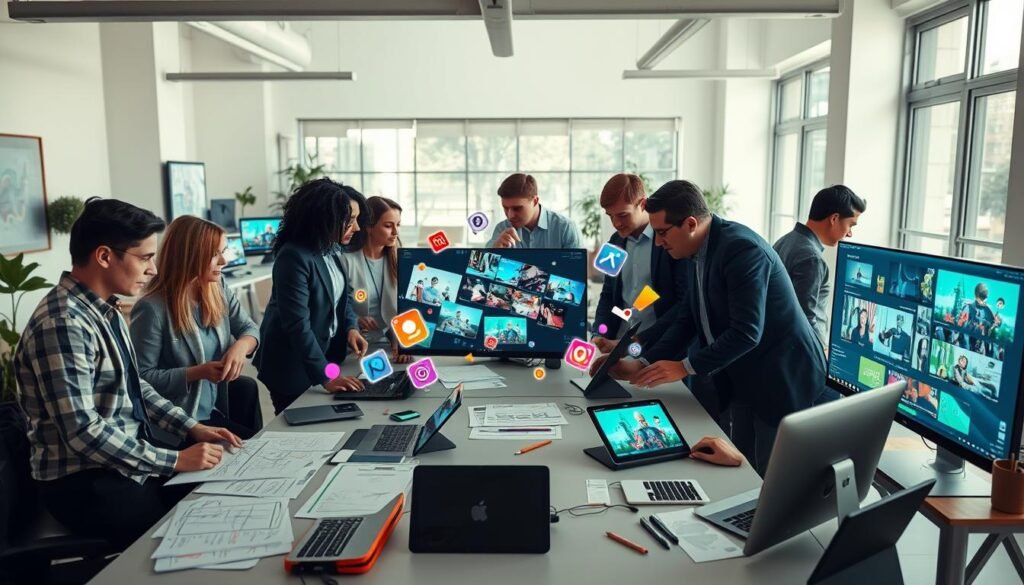
Planning: script, storyboard, and style direction
We write a short script that states the message and timing. Next, a storyboard links frames to voice or music cues so motion choices support clarity.
Design: consistent graphic elements
We build assets as reusable elements in Illustrator or Photoshop. A style sheet—type, color, spacing—keeps the whole video cohesive.
Animation: keyframes, timing, and transitions
We animate in After Effects. First we block rough timing, then refine easing and subtle secondary motion. Focus stays on hierarchy and readability, not excessive effects.
Sound and deliverables
We add music and voiceover last, matching beats to key frames. Common exports include MP4, transparent codecs for overlays, and GIFs or lightweight web versions when size matters.
- Script → storyboard → assets
- Design modular elements → animate with keyframes
- Sound mix → export final video
| Stage | Typical tools | Output |
|---|---|---|
| Plan | Script, storyboards | Shot list, timing notes |
| Design | Illustrator, Photoshop | Asset packs, style guide |
| Animate | After Effects, audio editor | Final exported videos |
Software and tools to get started without overwhelm</h2>
A practical toolset reduces friction and lets our ideas reach video faster. We pick tools based on the kind of work we want to ship, not on wishful features.
Web-based animation tools for a lighter learning curve
Web tools like SVGator offer a fast on-ramp. They let us animate SVGs, export lightweight web assets, and avoid a steep desktop setup.
These apps are ideal when we need quick wins, tight file sizes, and a gentle learning curve. Use them when the deliverable is UI animation or social loops.
Adobe After Effects workflow with Illustrator and Photoshop assets
After Effects remains the industry staple for motion design and detailed compositing. We design vector art in Illustrator or raster plates in Photoshop, then rig and time layered scenes in After Effects.
This path gives us control over easing, complex effects, and reusable templates that scale across projects.
Editing and compositing options like Premiere and DaVinci Resolve
Use Premiere or DaVinci Resolve to cut footage, assemble timelines, and grade final exports. They excel at editing timelines and batch exports.
Reserve After Effects for shots that need layered animation, tracking, or advanced effects. This split keeps our edit clean and our compositing precise.
When 3D tools like Cinema 4D, Maya, or Houdini make sense
We bring 3D into play when true depth, camera moves, or simulations are required. Cinema 4D is friendly for motion designers, Maya suits animation pipelines, and Houdini handles procedural simulations.
Choose 3D only when the brief demands objects with volume or physics; otherwise stick to 2D workflows for speed.
- Pick one design app (Illustrator or Figma).
- Pick one motion app (SVGator or After Effects).
- Pick one editor (Premiere or DaVinci Resolve).
| Tool | Best use | When to pick |
|---|---|---|
| SVGator | Web SVG animation | Quick, lightweight web motion |
| After Effects | Compositing and detailed animation | Motion graphics with layered effects |
| Premiere / Resolve | Editing and timeline assembly | Cutting, color, final delivery |
How we learn motion graphics faster as beginners</h2>
We speed up learning by turning small, repeatable exercises into daily habits. A clear practice plan helps us finish work and build real skill over time.
Build a visual library of GIFs, title clips, UI micro-interactions, and ad openers. Save references and tag them by style, technique, and timing so we can pull examples when we need ideas.
Study and recreate with intent
We analyze examples to ask what moves, why it moves, and how timing sets hierarchy. Then we recreate a simple text reveal, a loader, or a lower third and customize it.
- Start small: intros, titles, lower thirds, and short loops.
- Use structured tutorials (School of Motion, Skillshare, targeted YouTube series) to avoid random learning.
- Practice cadence: 20–40 minutes daily on one micro-skill, plus one weekly mini-project.
| Resource | Focus | Best use |
|---|---|---|
| Course | Structured path | Skill progression |
| YouTube | Short walkthroughs | Quick techniques |
| Challenge | Daily making | Portfolio growth |
Keep before/after files, note what we changed, and publish small projects. Repetition beats occasional deep dives and turns ideas into sharable content.

Your next steps to start making motion designs today</h2>
Now we pick one small project and ship it to build momentum quickly. Choose a single asset type—kinetic typography, a UI loader, a lower third, or a 15‑second explainer—and finish it this week.
Limit scope: one message, one visual style, one format (1080×1080 or 1920×1080), and 5–10 seconds runtime. Follow a tight workflow: storyboard 6–10 frames, design assets, animate with basic easing, then refine timing and spacing.
Use this quick checklist before export: readable on mobile, even spacing, clear hierarchy, clean transitions, and movement that supports the point. Export a lightweight file for social and keep a high‑quality master for your portfolio.
Animated assets cut production costs and lift marketing and brand reach. Next milestones: make three variations of the same piece, then build a mini brand package (logo sting, lower third, end card).